

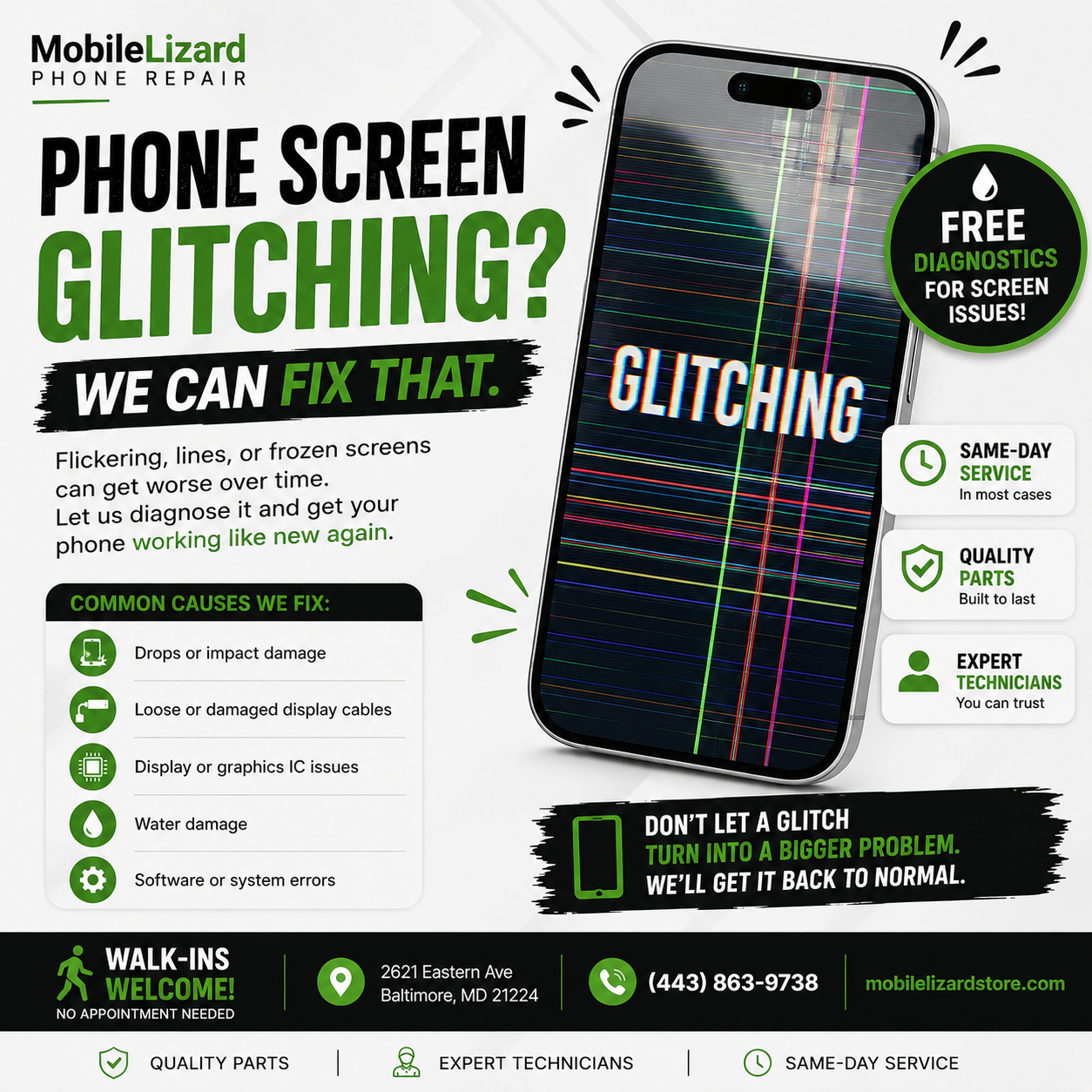
A Practical Guide
“Glitching” Covers a Lot of Ground — Let’s Narrow It Down
When people say their phone is “glitching,” they usually mean something on the spectrum from mildly annoying to genuinely alarming. Screen flickers, apps freezing mid-use, random reboots, touch inputs not registering, or the phone getting hot for no reason. The good news is most of these have identifiable causes and solutions.
Software Glitches: Usually the First Thing to Check
Restart the phone. We say this a lot because it genuinely fixes a lot. Modern phones can run for weeks without a restart, and background processes accumulate. A full power-off and restart clears a lot of minor software issues instantly.
Check for software updates. Go to Settings > General > Software Update (iPhone) or Settings > System > Software Update (Android). Running an outdated OS can cause compatibility issues with apps, especially after the app itself has updated.
Identify a problem app. If the glitching started after installing something new, uninstall that app and see if the behavior stops. Some apps are poorly coded and cause system-wide instability.
Clear the cache. On Android, clearing app caches (Settings > Apps > [App Name] > Clear Cache) and the system cache (accessible through recovery mode on some phones) can clear up persistent glitches.
Hardware Causes Worth Knowing About
Screen damage. Even a hairline crack can cause the digitizer to behave erratically — registering phantom touches, dead zones, or flickering. If you have a cracked screen and your phone is acting strangely, the two things are related.
Battery issues. A swollen or significantly degraded battery can cause the phone’s processor to misbehave, force shutdowns, and cause general instability. If your phone is also running hot or the back of the case seems bowed outward, this is urgent — a swollen battery needs to be addressed promptly.
Water damage. Internal corrosion from past moisture exposure can cause intermittent, hard-to-diagnose glitches. If your phone has ever been wet, even briefly, that’s worth mentioning to a technician.
Overheating. A phone that’s been in a hot car, left in direct sunlight, or pushed hard with demanding apps will throttle its own performance and behave oddly until it cools down.
When to Bring It In
If restarting and updates don’t resolve it, and there’s no obvious app causing the problem, a hands-on diagnostic is the most efficient path. At Mobile Lizard in Baltimore, we can quickly identify whether you’re dealing with a software issue, a display problem, or something deeper.
If the glitching is paired with a cracked screen, use our Repair Cost Calculator for an iPhone screen estimate. Full iPhone repair and Samsung repair details are on our site.
Serving Waverly and North Baltimore — Walk-Ins Welcome
We’re at 2621 Eastern Ave in Patterson Park. Tuesday–Friday 11am–6:30pm, Saturday 11am–5:30pm. Call or text 443-863-9738.