

Don’t Panic — But Don’t Wait Either
You plug your phone in and… nothing. Or maybe it charges painfully slowly, or only works if you hold the cable at a specific angle. Charging problems are one of the most common issues we see at Mobile Lizard, and they have several possible causes — some of which you can check yourself before coming in.
Here’s how to work through it, step by step.
Rule Out the Easy Stuff First
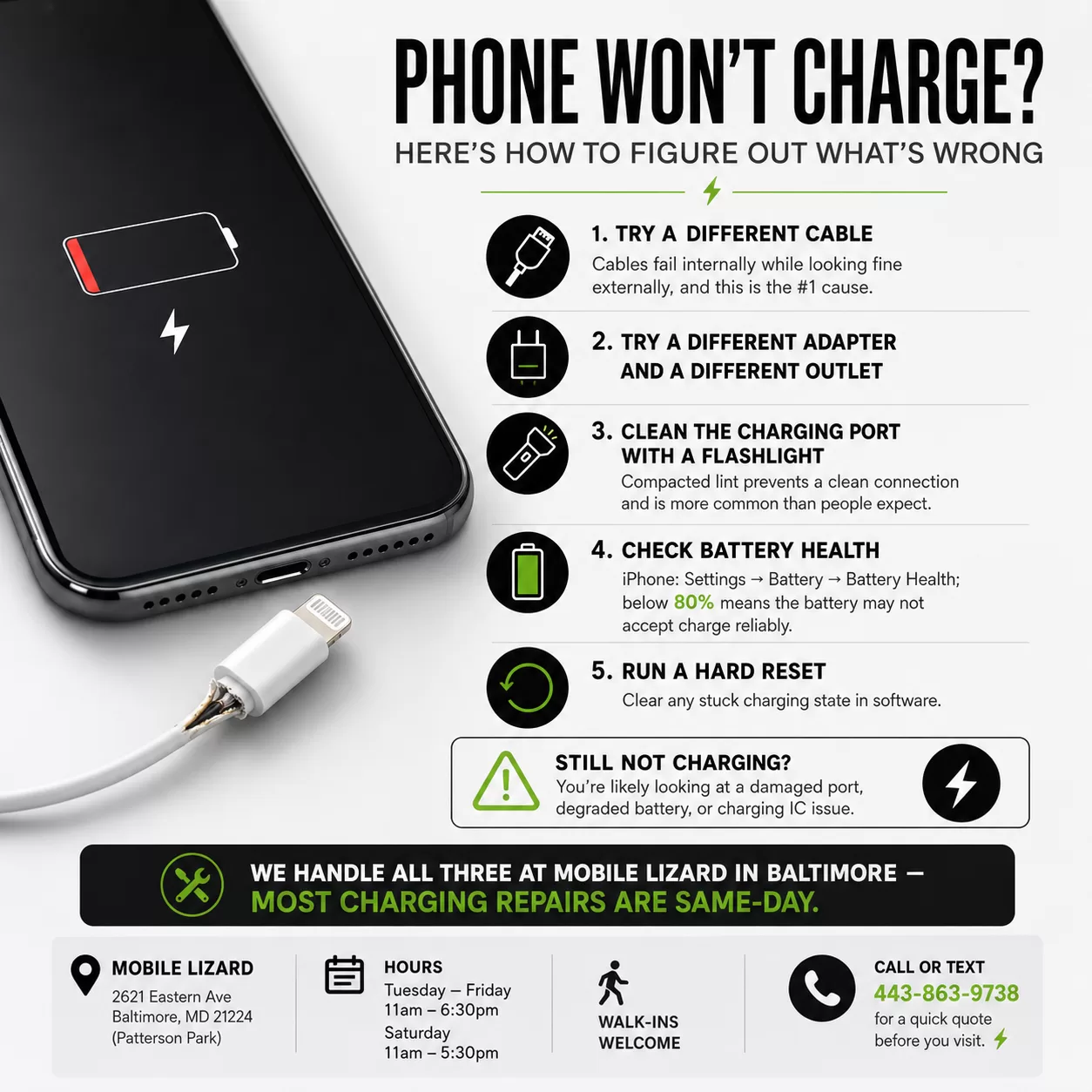
Try a different cable. Charging cables — especially third-party ones — fail all the time. The cable might look fine but have a broken wire inside. Swap it for one you know works and see if anything changes. We’ve written before about why cheap charging cables can quietly damage your port over time, and this is often where the damage starts.
Try a different adapter. Same principle. The wall brick or car charger you’re using might be the issue, not the phone itself.
Try a different outlet. It sounds simple, but a tripped outlet or bad power strip is an easy thing to miss.
Clean the charging port. Lint and debris accumulate in charging ports over time — especially in pockets. Use a flashlight and look closely at the port. If you see buildup, a gentle pass with a dry toothpick (not metal) can sometimes clear it. We also offer professional charging port cleaning at Mobile Lizard, which is often all that’s needed.
If That Doesn’t Work, Here’s What Might Be Going On
Damaged charging port. If the port looks bent, corroded, or loose — or if cables don’t seat firmly anymore — the port itself may need to be repaired or replaced. This is a common fix and one we do regularly.
Battery at end of life. An old or degraded battery can stop holding a charge well enough for the phone to register it properly. On iPhone, check Settings > Battery > Battery Health. Anything under 80% means your battery isn’t performing at full capacity and is due for replacement.
Water damage. Even if your phone never took a direct splash, humidity and condensation can cause corrosion inside the charging circuit over time. If you notice the port looks discolored or smells slightly off, that’s worth having looked at.
Software issue. On rare occasions, a software bug can cause the device to not recognize that it’s connected to power. A hard reset or software update sometimes clears this up.
What We Do at Mobile Lizard Phone Repair
We offer iPhone charging port repair in Baltimore and Samsung charging port repair — and our technician can tell you quickly whether it’s the port, the battery, or something else entirely. Most charging port repairs are done the same day. Call or text us at 443-863-9738 for a quick quote before you come in.
We’re Close to Federal Hill — Walk-Ins Are Welcome
Mobile Lizard is located at 2621 Eastern Ave in Patterson Park — a straight shot from Federal Hill across the harbor. No appointment necessary. Open Tuesday–Friday 11am–6:30pm, Saturday 11am–5:30pm. Call or text us at 443-863-9738.
