Here’s What’s Actually Going On
A Frozen Screen Is Frustrating. It’s Also Telling You Something.
Your phone screen goes dark, locks up, or starts ignoring your taps. Maybe it only works in certain spots. Maybe it doesn’t respond at all. It’s one of the more unsettling things that can happen to your phone, especially when you depend on it for work, navigation, or keeping in touch.
The good news is that a non-responsive screen isn’t always a death sentence for your device. Sometimes the fix is simple. Other times, you need a technician. Either way, knowing what’s behind it helps you make the right call.
If you’re in Canton, Baltimore or the surrounding neighborhoods and your screen just isn’t cooperating, here’s a straightforward breakdown.
Start With the Simple Stuff
Restart the phone first. This sounds obvious, but a surprising number of screen issues are caused by a software glitch that clears up completely after a reboot. Hold down your power button, restart the device, and see if anything changes before assuming the worst.
Check for moisture. Humidity, condensation, or even slightly damp hands can interfere with a touchscreen’s sensitivity. Dry your screen and your hands thoroughly and try again.
Remove the screen protector temporarily. Thick or bubbled screen protectors — especially ones that aren’t perfectly seated — can deadzone certain areas of the screen. Peel it back and test the screen directly to rule this out.
Free up storage. A phone that’s nearly full often struggles with basic performance. If your storage is over 90% full, that alone can cause sluggishness and touch lag. Clear some space and see if it helps.
Software Causes Worth Checking
An outdated operating system can cause touch response problems, especially after a new app install. Go to Settings > General > Software Update (iPhone) or Settings > System > Software Update (Android) and make sure you’re current.
A rogue app can also be the culprit. If the problem started right after installing something new, try deleting that app first and see if the behavior changes.
When It’s a Hardware Problem
If none of the above helps, the issue is likely physical. Common hardware causes of an unresponsive screen include:
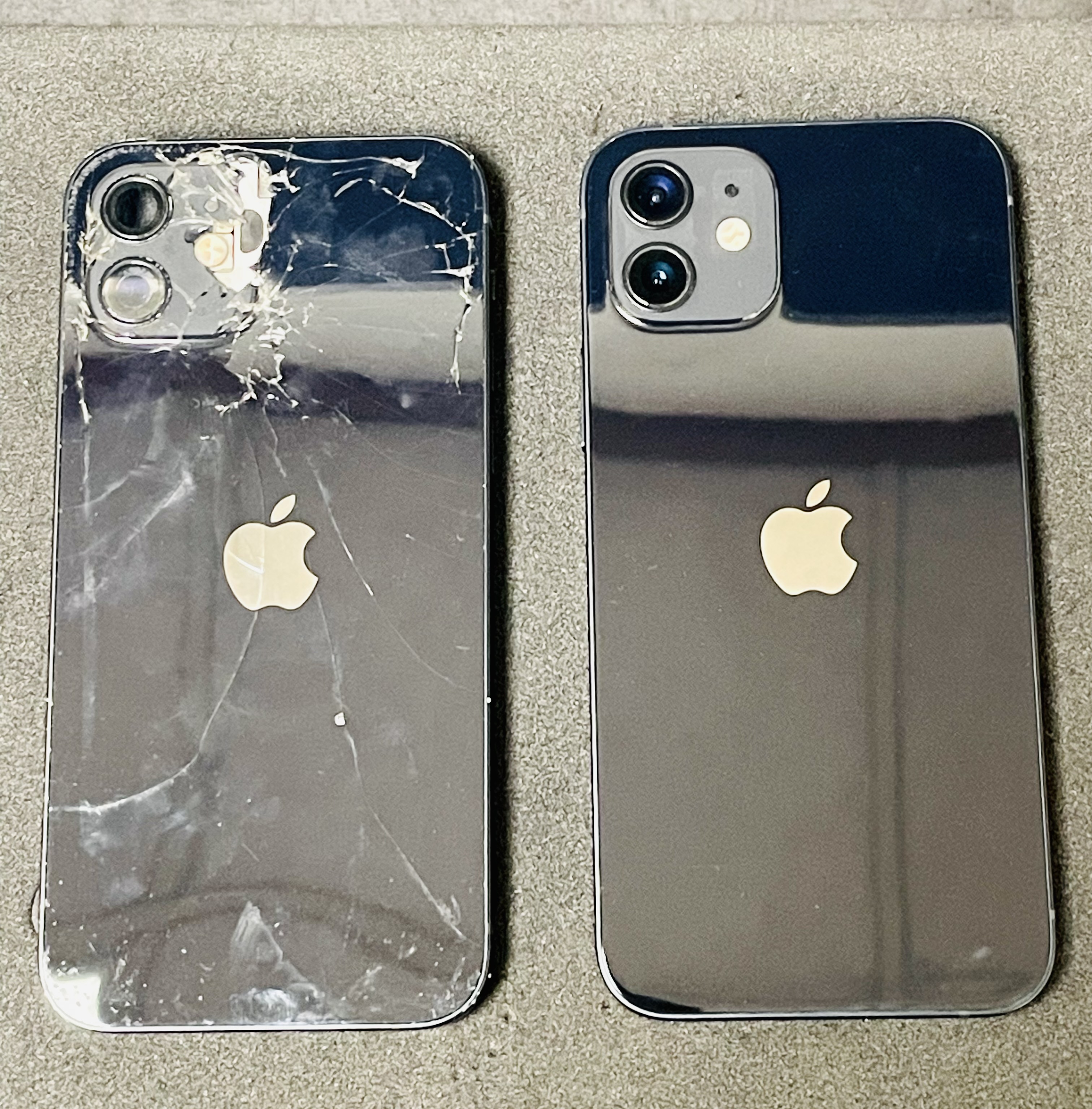
- A cracked or compromised screen — even hairline cracks can interrupt the digitizer layer that reads touch input
- Water damage — internal moisture can reach the display connector and disrupt the signal
- A failing LCD or OLED panel — the display itself may be wearing out, especially on older devices
- A loose internal connection — a drop or impact can dislodge the ribbon cable that connects the screen to the motherboard
These are all things we see regularly at Mobile Lizard. Our Apple-certified technicians can diagnose what’s going on and walk you through your options clearly and honestly — no pressure, no jargon.
Is It a Cracked Screen Causing the Problem?
If a damaged screen is behind the touch issues, we can help. Check our iPhone screen repair page for pricing, or for Samsung and Android repairs see our Samsung repair page. Most screen repairs in Baltimore at Mobile Lizard are completed in under an hour.
We’re Right Down the Road from Canton, Baltimore — Walk-Ins Welcome
Mobile Lizard is at 2621 Eastern Ave in Patterson Park, just minutes from Canton. No appointment needed. Open Tuesday–Friday 11am–6:30pm, Saturday 11am–5:30pm. Give us a call or text at 443-863-9738 if you want to check in before you head over.