

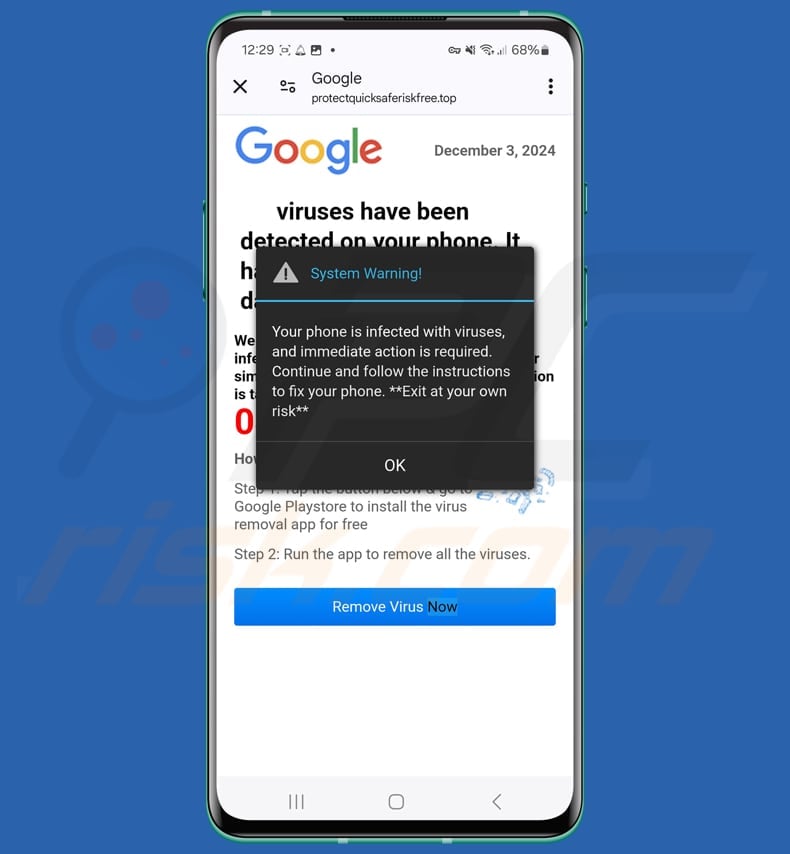
How to Avoid Viruses and Remove Malware from Android Devices
Android devices are a popular target for malware and viruses, especially due to their open ecosystem and wide user base. At Baltimore’s MobileLizard phone repair we remove viruses and malware from Samsungs and Android phones. We also offer services to satisfy Banking requirements if you are instructed by your bank to have your phone cleaned of viruses and malware. However, by following some simple precautions, you can protect your device and ensure its security. One of the most effective ways to avoid infections is by downloading apps only from the official Google Play Store. Third-party app stores or APK downloads can introduce harmful software, so it’s important to stick to trusted sources. Additionally, regularly updating your Android device ensures that it’s protected against the latest security vulnerabilities.
To prevent malware, it’s also essential to enable the built-in security features on your Android device. Make use of features like Google Play Protect, which scans your apps and devices for threats. It’s also recommended to use a secure lock screen (e.g., fingerprint, PIN, or pattern) to prevent unauthorized access to your device. Avoid clicking on suspicious links or attachments from unknown sources, as phishing attempts are a common method of distributing malware. Keeping your Wi-Fi and Bluetooth turned off when not in use can also minimize the chances of unauthorized access.
If you suspect your Android device has been infected, it’s critical to take immediate action. Here are some steps to remove malware from your device:
- Run a full scan: Use Google Play Protect or an antivirus app to perform a thorough scan.
- Uninstall suspicious apps: If any unfamiliar apps are found, uninstall them right away.
- Clear app cache: Go to your device’s Settings, find the infected app, and clear its cache and data.
- Factory reset: As a last resort, perform a factory reset to erase all data and start fresh. Be sure to back up your important data first.
By staying vigilant and following these guidelines, you can reduce the risk of malware and keep your Android device running smoothly.