

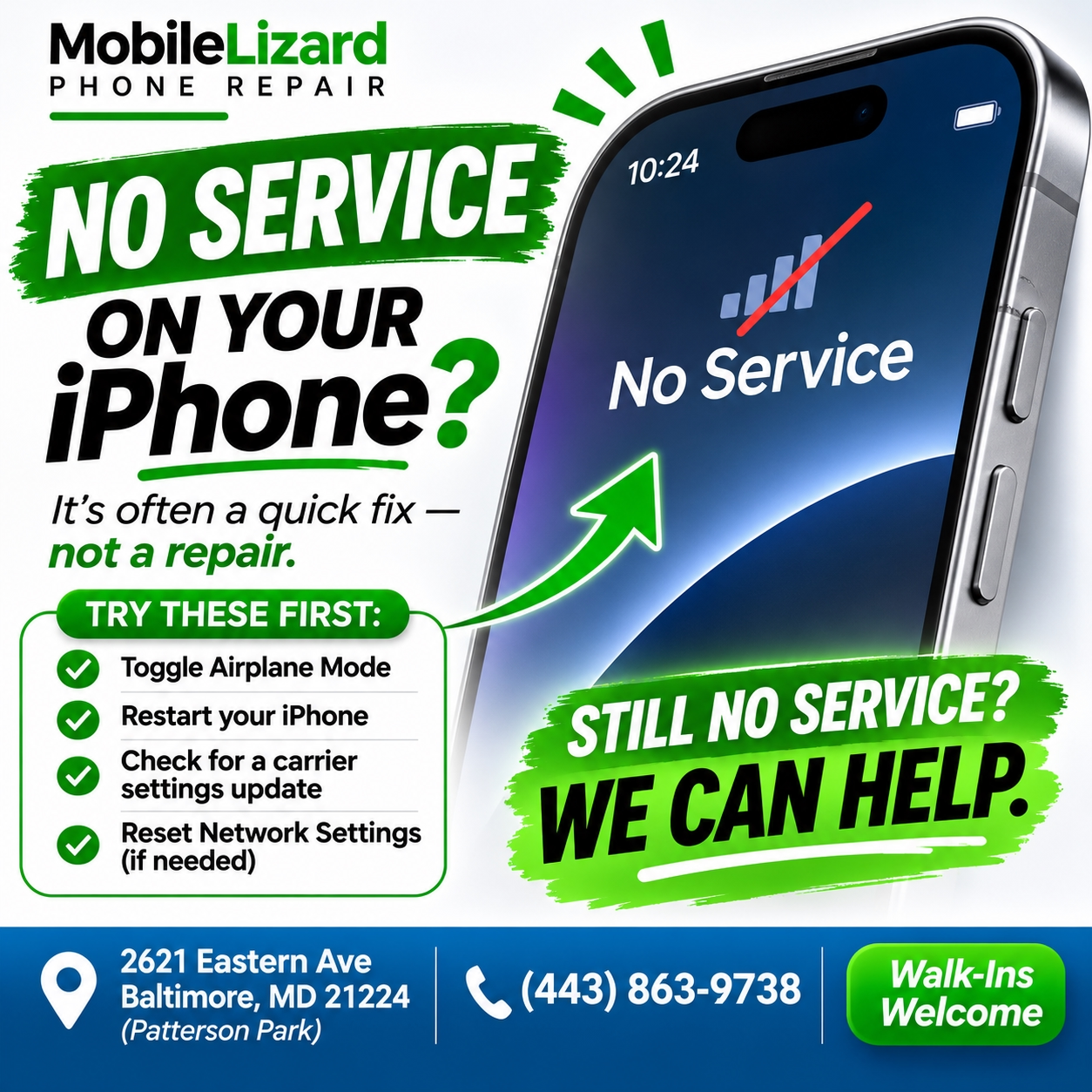
No Service Is Annoying. It’s Also Usually Fixable.
You look down at your iPhone and instead of signal bars, you see “No Service” or worse, “Searching.” You’re in Fells Point, you’re not underground, and everyone else around you seems to have service just fine. What’s going on?
Here’s a systematic way through it.
Start With the Simple Steps
Toggle Airplane Mode on, then off. This is the phone equivalent of rebooting your network connection. Swipe down from the top right corner to open Control Center, tap the airplane icon to enable Airplane Mode, wait five seconds, then tap it again to disable it. Give it 30 seconds to reconnect.
Restart the phone. A full power-off restart (not just a lock) forces the iPhone to re-establish its carrier connection from scratch. Try this if the airplane mode toggle doesn’t fix it.
Check for a carrier settings update. Go to Settings > General > About. If a carrier settings update is available, a pop-up will appear automatically. Tap Update. These small updates fix compatibility issues between iOS and your carrier.
Check for an iOS update. Go to Settings > General > Software Update. Carrier connectivity bugs are sometimes patched in iOS updates.
Remove and Reseat the SIM Card
On iPhones with a physical SIM, use a SIM ejector tool (or a straightened paperclip) to open the SIM tray. Remove the SIM, check that it isn’t damaged or dirty, and reseat it firmly. A slightly dislodged SIM can cause intermittent “No Service” that looks like a software or carrier problem but isn’t.
On newer iPhones using eSIM only, this step doesn’t apply, you’ll need to contact your carrier if the eSIM itself is the issue.
Reset Network Settings
Go to Settings > General > Transfer or Reset iPhone > Reset > Reset Network Settings. This clears all saved Wi-Fi passwords, VPN configurations, and carrier settings and resets your network connections to factory defaults. It often resolves persistent No Service issues. Note: you’ll need to re-enter your Wi-Fi passwords afterward.
Contact Your Carrier
If all else fails, call your carrier. Service outages happen, account-level issues happen, and SIM cards occasionally need to be re-provisioned on the carrier side. A 10-minute call can rule out anything on their end.
When It’s a Hardware Problem
A damaged antenna usually from a drop can cause persistent No Service on specific carriers or in specific locations. This isn’t something software can fix. Bring it in for a diagnostic and we can check whether the antenna or SIM reader is the issue.
See iPhone repair services at Mobile Lizard. For screen damage alongside the connectivity issue, use our Repair Cost Calculator.
Right in the Neighborhood — Walk-Ins Welcome
Mobile Lizard is at 2621 Eastern Ave, just a short ride from Fells Point. Tuesday–Friday 11am–6:30pm, Saturday 11am–5:30pm. Call or text 443-863-9738.